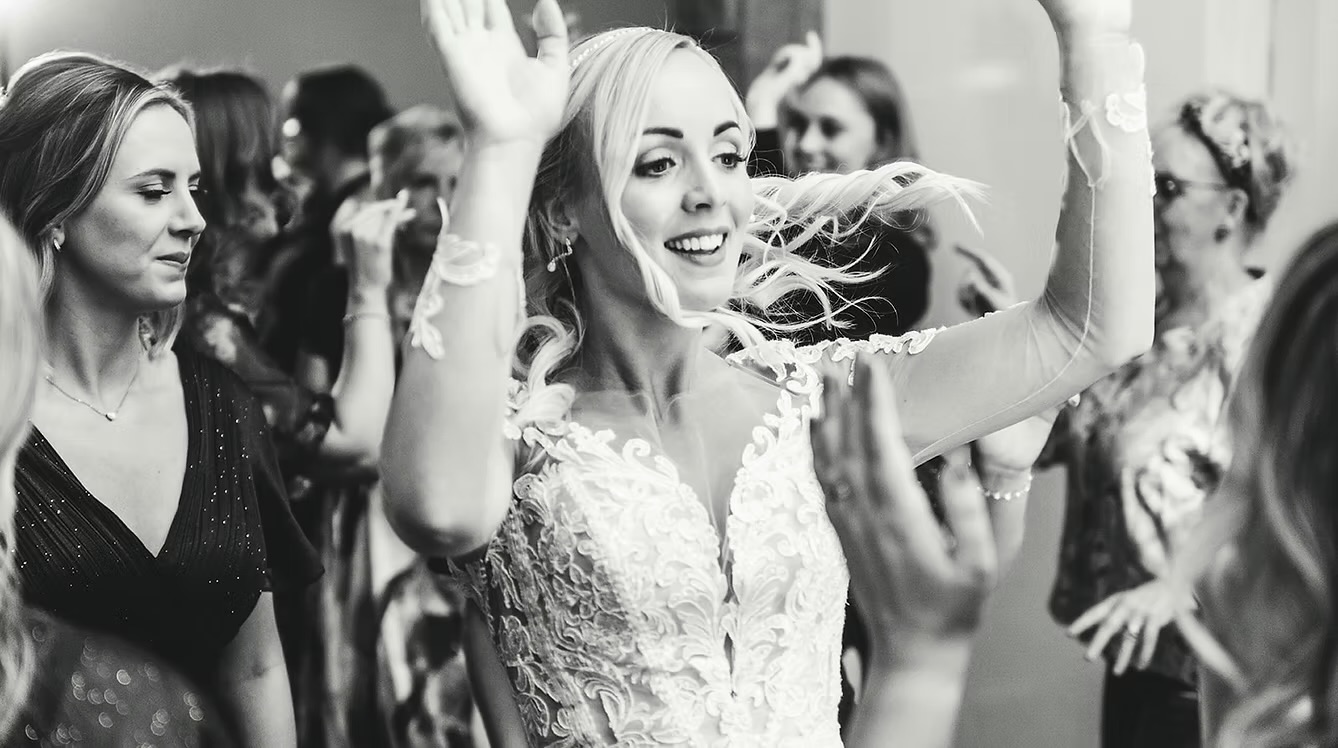
Go to the next page to start planning your wedding.
What you’ve booked
- Venue
- Our wedding venue
- Package
- VIP DJ
- Agreed music hours
- 19:00 – 00:00
Please submit your wedding plan by 28 April 2027.
‘Create your vibe’ questions and answers
Can we save and come back later?
Yes. Use Save draft as you go. Sign back in with your booking password to pick up where you left off.
When should we send our plan?
Your planning due date is shown in Booking info. When you’re ready, review your answers and select Submit wedding plan.
How many songs should we pick?
Around 25–30 is a useful guide. You can also choose your favourite genres and let your DJ build the set.
Can we share a Spotify or Apple Music playlist?
Yes. Paste its share link in Your music, or add songs individually in the portal.
Can guests request songs?
Set your preference in Your music. Your DJ will follow your choice and keep your do-not-play list in mind.
Can we choose clean versions?
Yes. Select Clean versions only under Music version preference in Your music.
Can we change our first dance after submitting?
Yes. Update the track, version or time in First dance, then review and submit your plan again. If the wedding is very close, let Wedding Sounds know directly.
Where can we get certificates for the venue?
Signed-in couples can download our public liability insurance and PAT certificates from Booking info.
Can we add sax, a photo booth or extra time?
Use Upgrade requests in Booking info to ask about availability and pricing for your date.